Stream Videos & Share Folders Across Your TV, PC & Phone
Turn any folder on your computer or phone into an instant local media stream over home Wi-Fi — zero setup, no USB drives, and no cloud uploads.
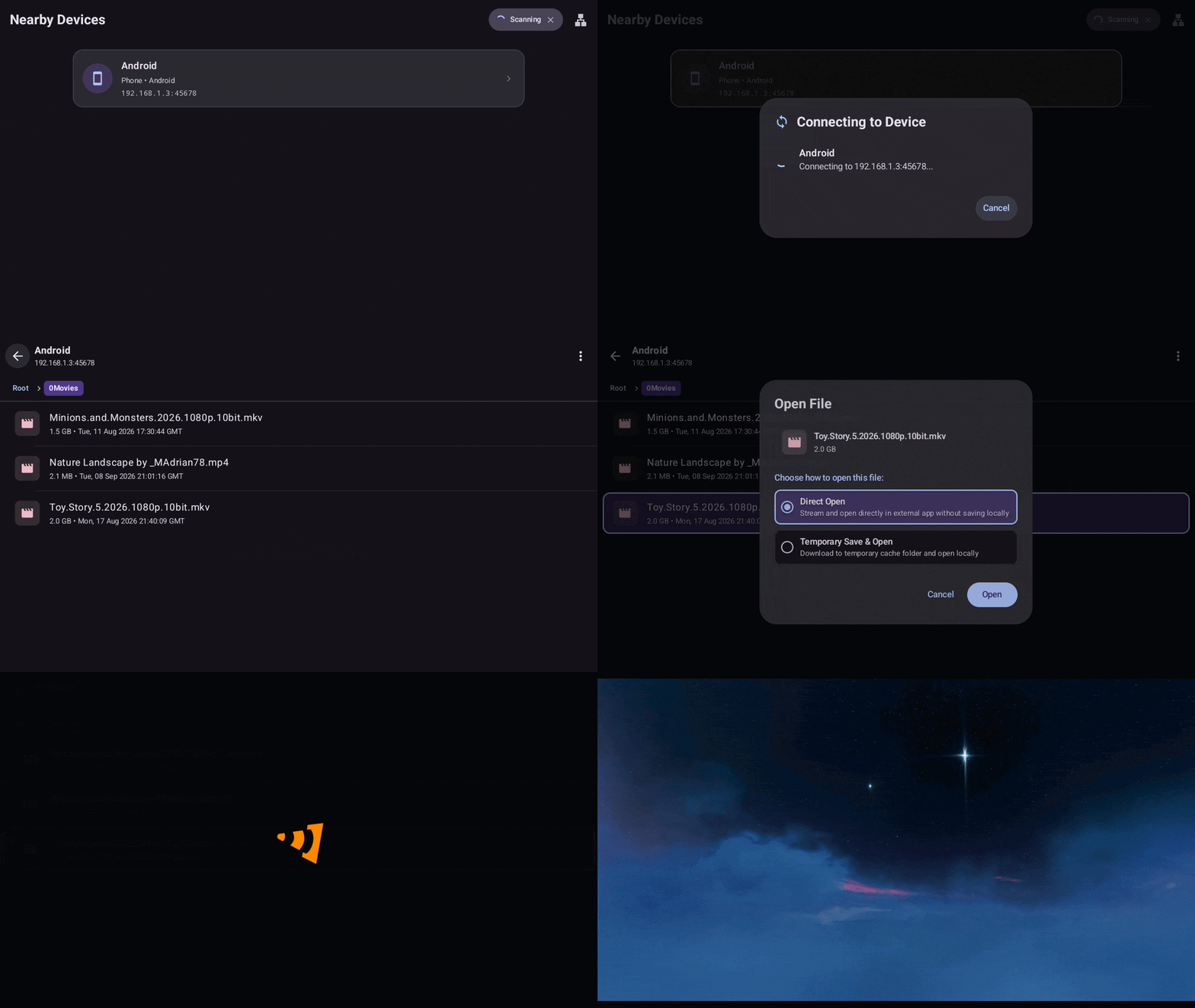
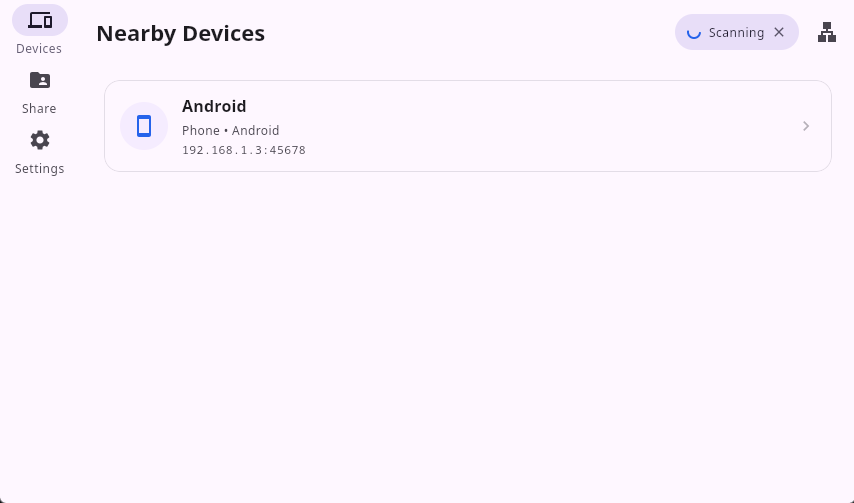
Open on any screen in your home
Folder Share connects your TV, desktop computers, phones, and web browsers with zero setup over your local Wi-Fi.
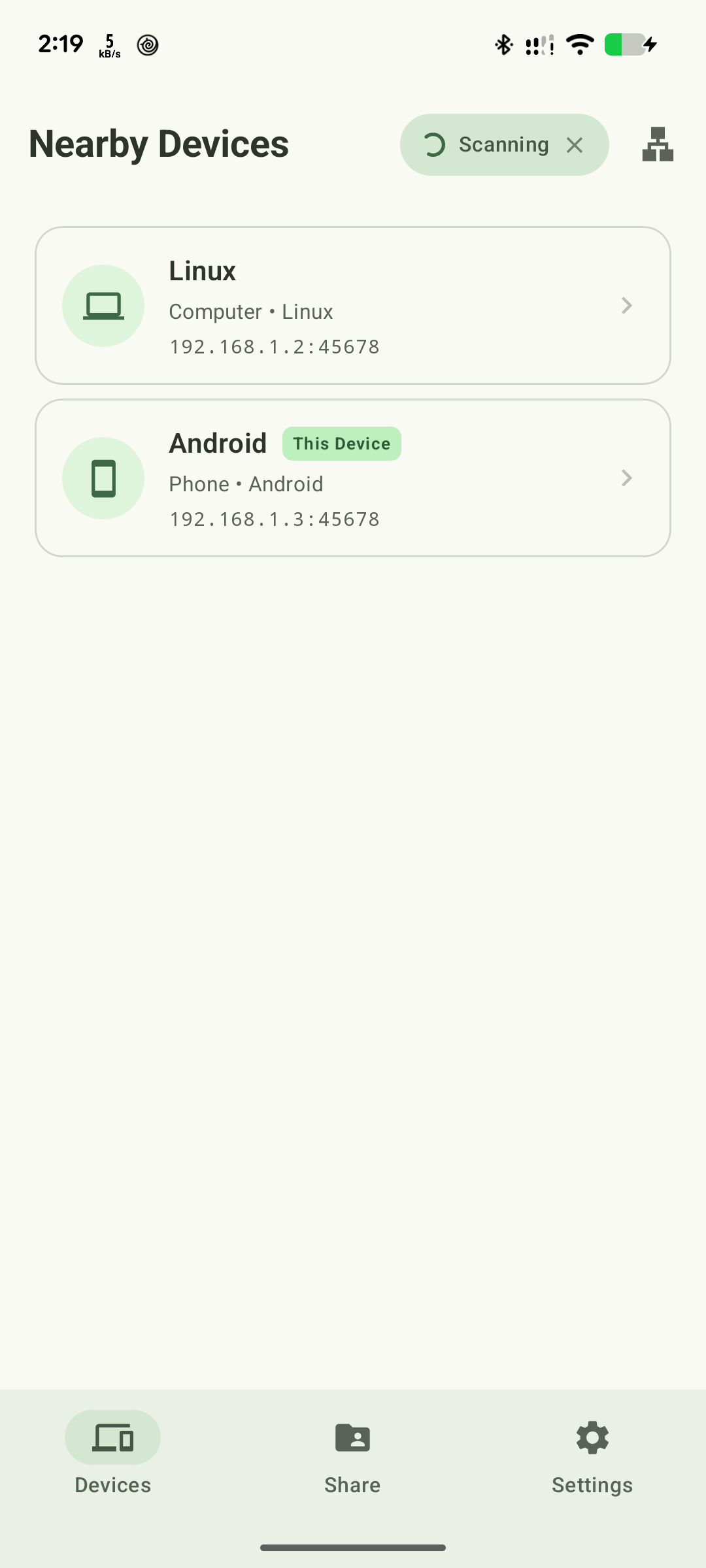
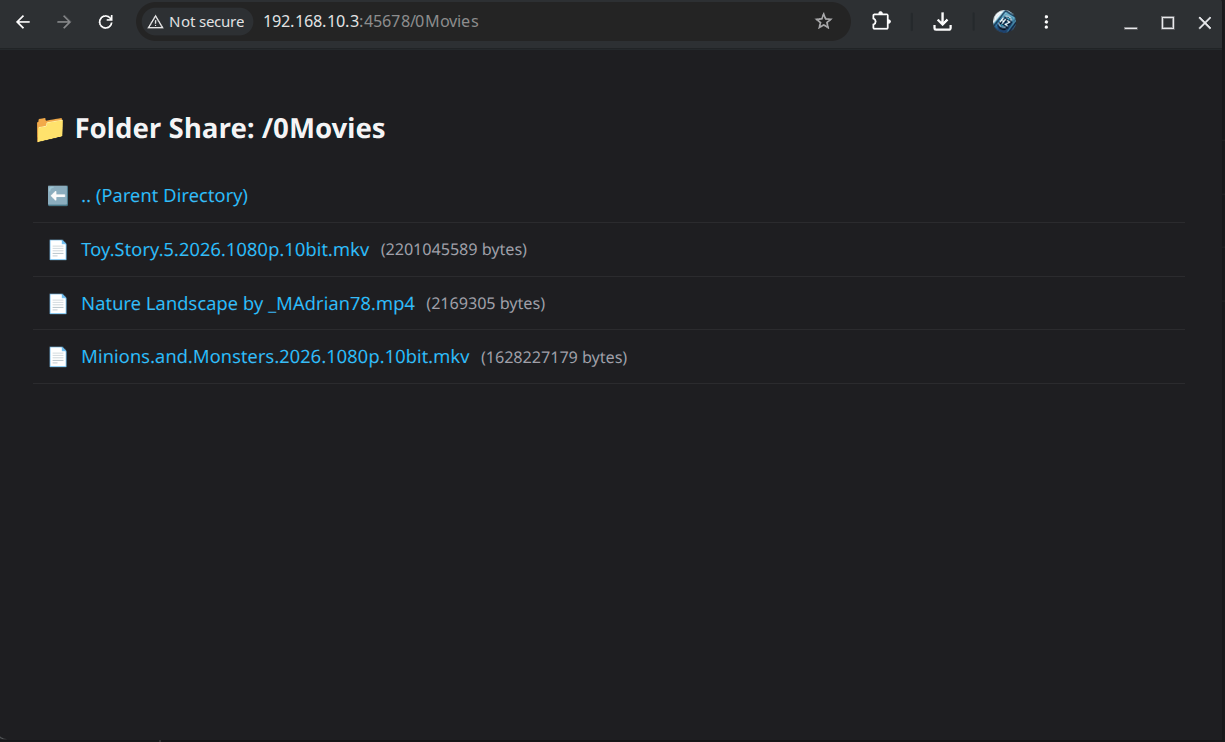
Watch 4K movies on your TV without copying or USB drives
Stream large video files directly from your PC or phone over Wi-Fi with instant scrubbing (HTTP 206) — no copying, no buffering, zero wait time.
Zero Copy Time
Starts playing in under 1 second. No waiting for 10GB-50GB files to transfer.
Instant Video Scrubbing
Jump forward, rewind, or skip anywhere in the video smoothly without buffering.
Saves TV Storage
TVs have limited storage. Stream large collections directly from your phone or PC.
How to use it
Share your folders across devices in three effortless steps.
Select Folder
No moving or copying files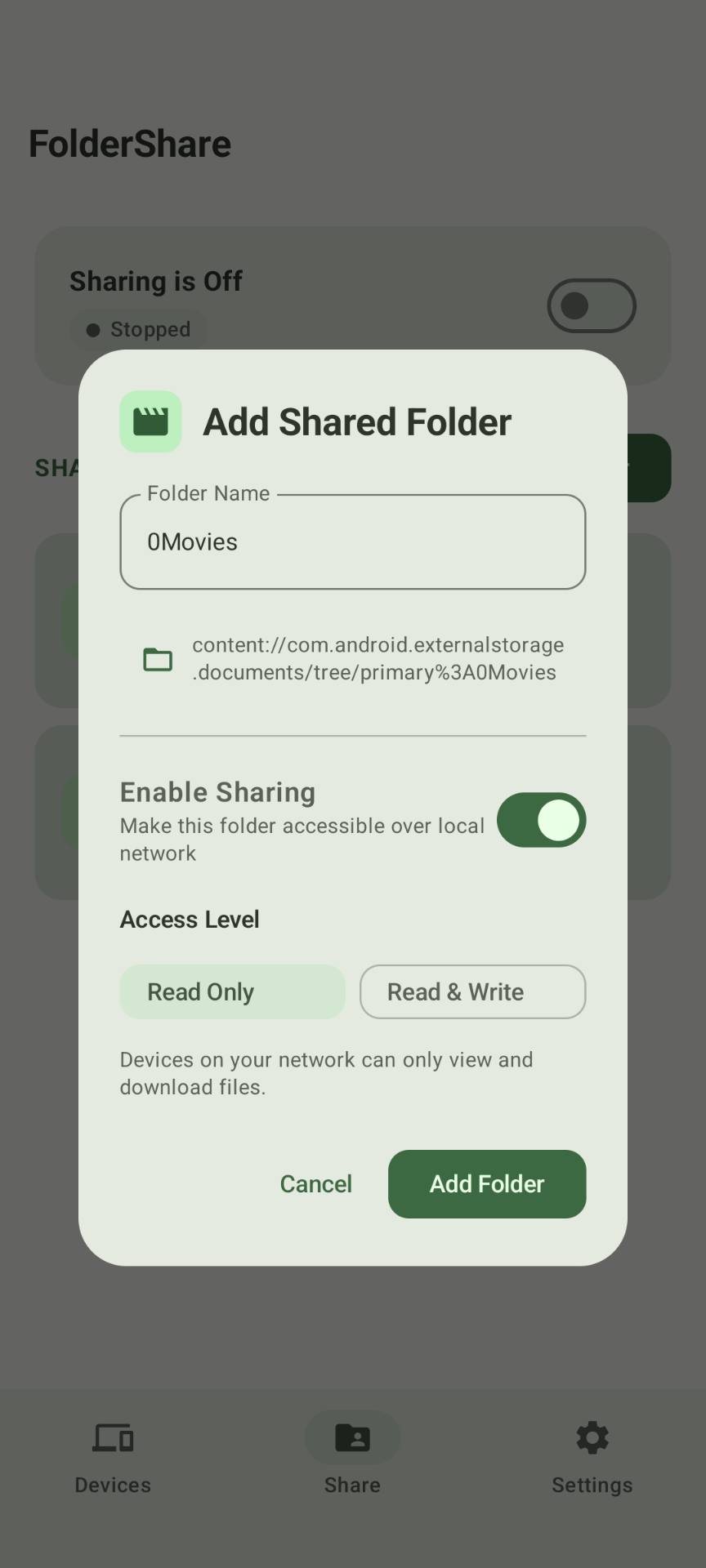
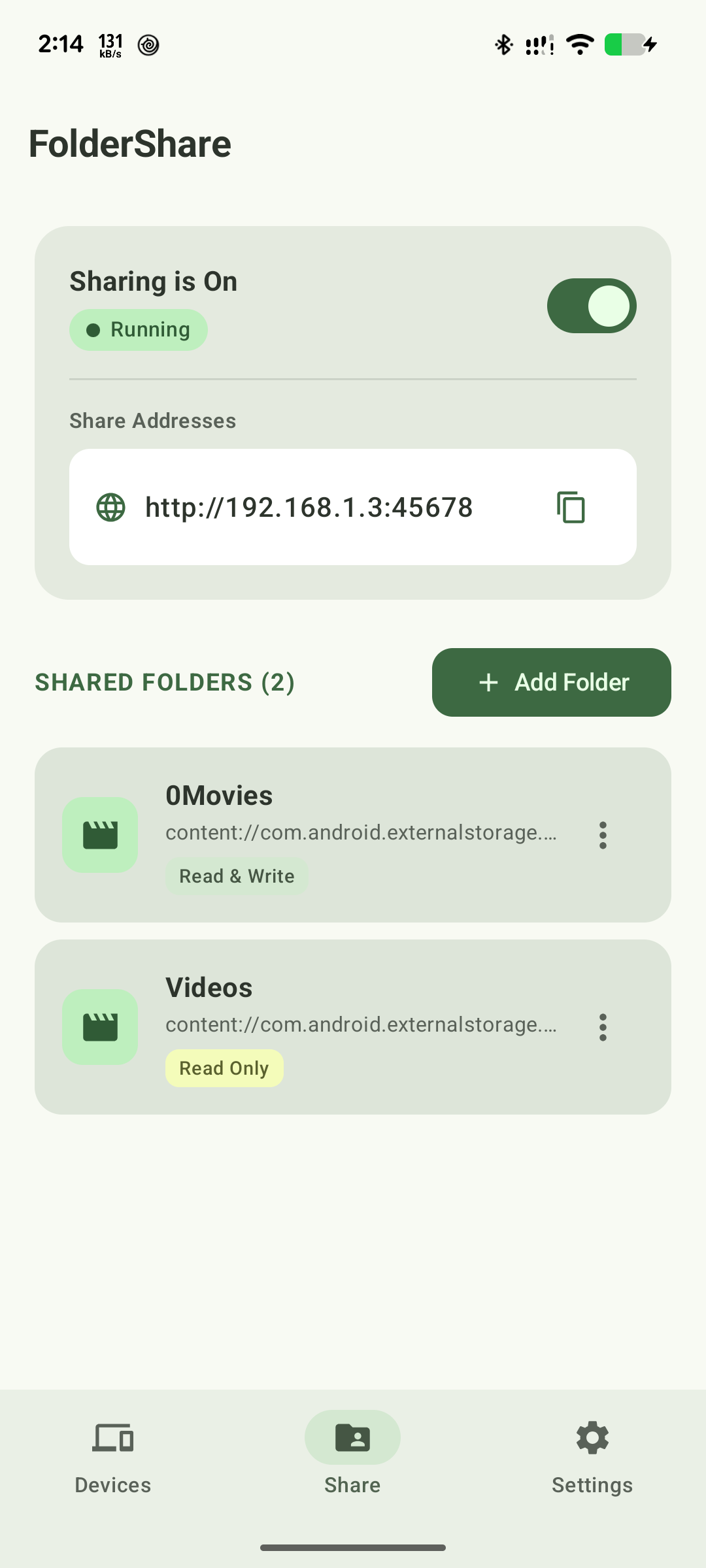
Tap Add Folder to pick any directory on your phone or computer. The app shares it instantly without moving or compressing files.
Start Sharing
Instant local connection Toggle Sharing On. Folder Share broadcasts a fast local network address ready for TVs, PCs, and phones.
Open on Target Device
Zero-config automatic discovery Open Folder Share or any web browser on your TV, computer, or other phone. Your devices find each other automatically.
No Internet Required
Your files are shared directly between devices on the same local network.
100% Offline Resilience
Works flawlessly when your internet provider goes down, on road trips, or on isolated local Wi-Fi networks.
Local Gigabit Speeds
Transfers at full home Wi-Fi speeds (300–1000 Mbps) with zero ISP data usage and zero throttling.
Zero Cloud Exposure
Your private media, personal photos, and documents remain strictly inside your home network. No third-party servers.
Frequently Asked Questions
Everything you need to know about sharing files and streaming on your home network.
Does Folder Share need an internet connection?
No! Folder Share works completely over your local Wi-Fi or mobile hotspot. It continues working even if your internet connection goes down, and no data is ever sent to the cloud.
Do I need to create an account or sign up?
No account, email, or registration is required. You simply install the app and start sharing right away.
Can I play movies on my TV without a USB flash drive?
Yes! Install Folder Share on your Android TV or Google TV and share a folder from your computer or phone. You can browse your video library and play high-definition movies using your TV remote.
Can I use video players like VLC?
Yes. Folder Share supports open standards, so you can easily play videos through external players like VLC or Kodi if you prefer.
Can I access files or stream from an iPhone, iPad, or Mac?
Yes! While dedicated apps are available for Windows, Linux, and Android, any device with a modern web browser (like Safari on iPhone, iPad, or Mac) or media player (like VLC) can browse, download, or stream your shared folders instantly via your local IP address or WebDAV without installing any app.
How is this different from Plex, Jellyfin, or Windows SMB?
Zero setup! Unlike Plex or Jellyfin, there is no media server configuration, no database scanning, and no user registration required. Unlike Windows network file sharing (SMB), there are no frustrating permission errors, credential prompts, or firewall issues when connecting from phones or TVs.
Does Folder Share consume my home internet data limit?
Not a single byte. All traffic moves directly between your devices across your local Wi-Fi network (LAN). It works at maximum Wi-Fi speed and operates even if your internet connection is unplugged or offline.
Where can developers and technical users find source code?
Folder Share is 100% open source. Technical specifications, WebDAV endpoint guides, and source code are available on our GitHub repository.